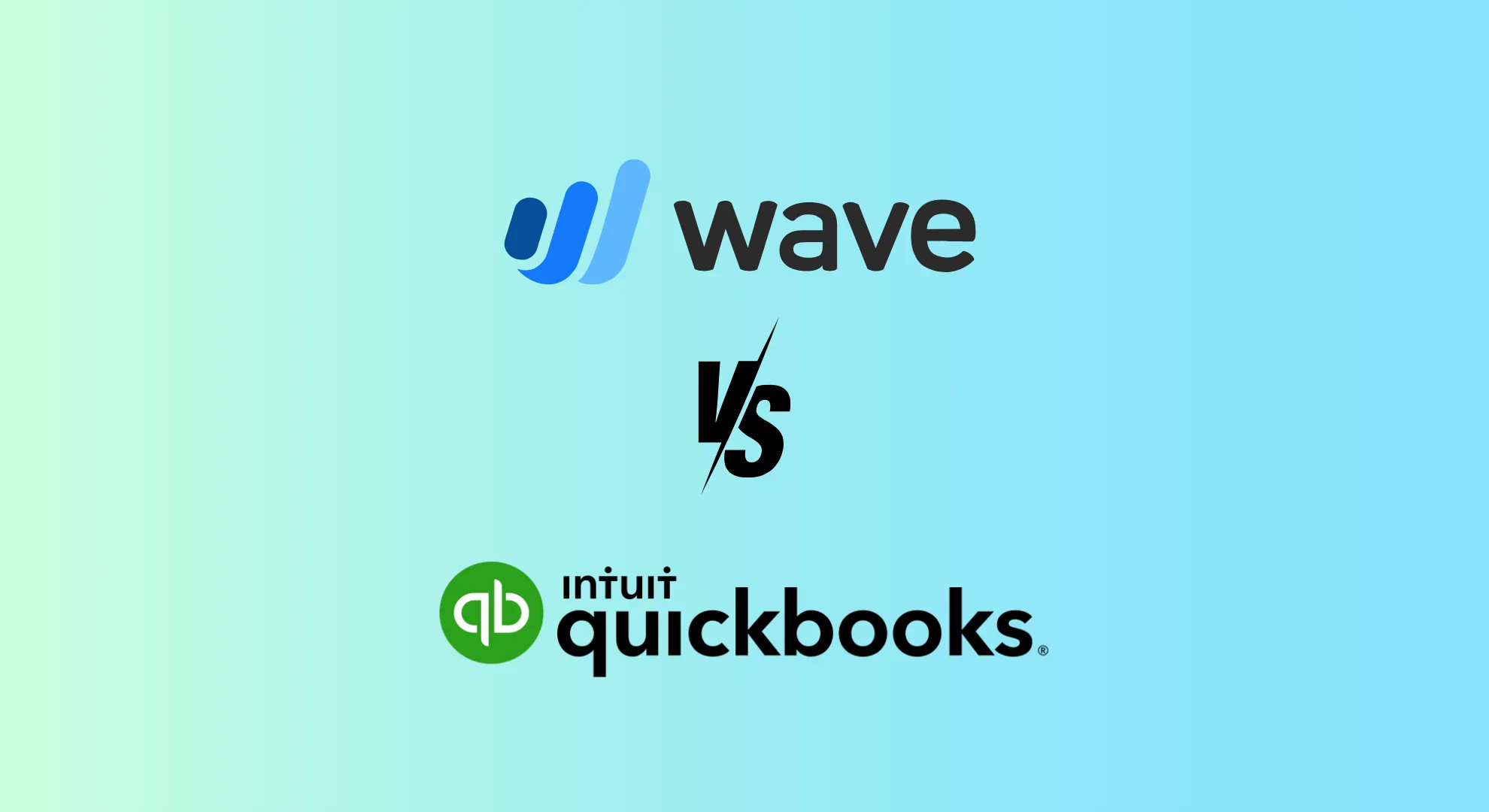
When it comes to managing your small business finances, choosing the right accounting software is essential. Two of the most popular platforms, Wave Accounting and QuickBooks Online, offer distinct features suited to different business needs. Whether you’re a freelancer just starting or managing a growing enterprise, this guide provides a side-by-side comparison to help you make an informed choice.
Table of Contents
Wave vs QuickBooks Online: Overview
| Feature | Wave Accounting | QuickBooks Online |
| Best For | Freelancers, Solopreneurs, Basic Accounting | Small to Medium Businesses, Advanced Needs |
| Strengths | Free basic plan, easy-to-use interface | Robust features, scalability, and extensive support |
| Pricing | Free with optional paid add-ons | Subscription-based with multiple tiers |
- Wave Accounting is ideal for simple bookkeeping and basic invoicing.
- QuickBooks Online is a comprehensive solution designed for growing businesses that require features for inventory management, payroll, and project tracking.
Wave vs QuickBooks Online: Feature Comparison
| Feature | Wave Accounting | QuickBooks Online |
| Invoicing | Create/send invoices, track status | Custom branding, recurring billing, and payments |
| Expense Tracking | Basic expense categorization, limited auto-recon | Expense categorization, bill pay, and receipt capture |
| Reporting | Basic reports (P&L, Balance Sheet) | Advanced reports, dashboards, and budgeting |
| Inventory | Not available | Available in higher-tier plans |
| Payroll | Available via third-party integrations | Integrated with tax filing options |
| Integrations | Limited third-party apps | Extensive integrations (CRM, inventory, etc.) |
Wave vs QuickBooks Online: Pricing Breakdown
| Feature | Wave Accounting | QuickBooks Online |
| Pricing Model | Free + Paid Add-ons | Subscription-based |
| Free Plan Includes | Invoicing, expense tracking, and bank recon | Basic features (varies by plan) |
| Paid Add-ons | Payroll, receipt scanning, branding | Inventory, project management, multi-user |
| Cost Range | $0 – $35/month | $25 – $400+/month (tier dependent) |
- Wave is best for cost-conscious users with simple needs.
- QuickBooks offers more value for businesses requiring broader functionality.
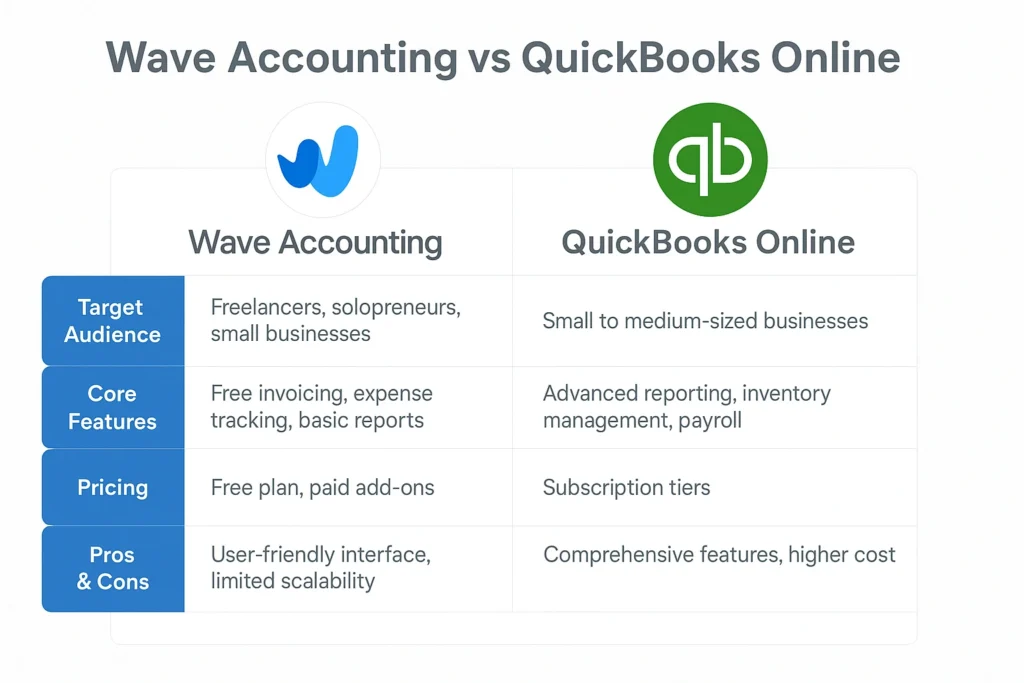
Pros and Cons
Wave Accounting
Pros:
- Completely free basic plan
- Simple, clean user interface
- Unlimited invoicing and expense tracking
Cons:
- Lacks advanced features (e.g., inventory, project tracking)
- Limited customization and scalability
- Support mainly relies on email and online documentation.
QuickBooks Online
Pros:
- Full-featured accounting suite
- Great for businesses that need room to grow
- Access to reports, payroll, inventory, and more
Cons:
- More expensive with higher-tier plans
- Steeper learning curve for beginners
- The free plan is limited.
Alternative Options to Consider
If neither Wave nor QuickBooks Online is the perfect fit, consider:
- FreshBooks – Simple invoicing and time tracking for freelancers.
- Zoho Books – Affordable and scalable with full Zoho ecosystem integration.
- Xero – Strong mobile support and a wide app marketplace.

Conclusion
Wave and QuickBooks Online: Choosing between them depends on your business’s size, budget, and financial complexity:
- Choose Wave if you want a free, easy-to-use solution for basic bookkeeping.
- Choose QuickBooks if you need more robust features, scalability, and third-party integrations.
1. Is Wave Accounting really free?
Yes, Wave offers an entirely free plan that includes invoicing and expense tracking. However, add-ons like payroll and receipt scanning are paid.
2. What makes QuickBooks Online better for growing businesses?
QuickBooks Online offers advanced features such as inventory management, project tracking, payroll, and extensive integrations, which become essential as your business grows.
3. Can I switch from Wave to QuickBooks later?
Yes, you can migrate data from Wave to QuickBooks, though it may require manual adjustments or help from a bookkeeping expert.
4. Which platform is easier for beginners to use?
Wave is generally more manageable for beginners due to its intuitive interface. QuickBooks has a steeper learning curve, but it offers more features and functionality.
5. Is QuickBooks worth the subscription cost?
If your business requires more complex financial tools and scalability, the value QuickBooks provides justifies the price.