
Can Bookkeeping Be Done Remotely? How Remote Bookkeeping Works, How Accurate It Is and How to Choose a Provider
Whether remote books are as accurate as in-person ones, what the process looks like, and how to check a remote provider before hiring
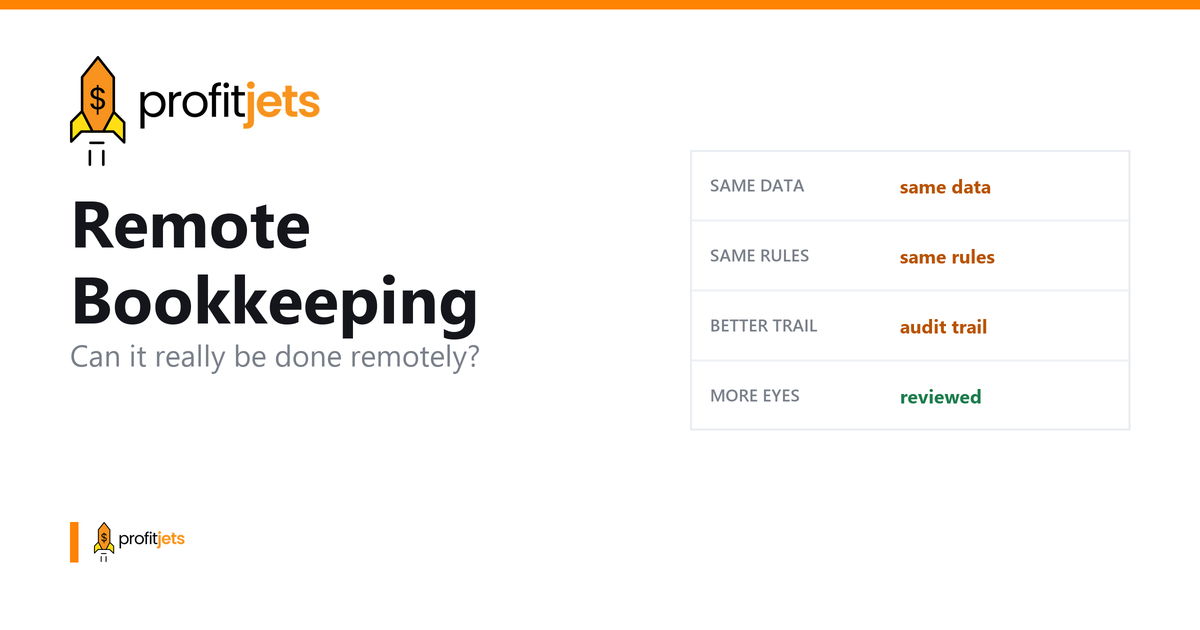
Yes, Bookkeeping is widely practiced remotely. In the era of tech evolution, even routine manual accounting tasks increasingly become virtual to facilitate speed and accessibility for business owners. For many of the small businesses, remote bookkeeping which once seemed absurd became the standardized operating process.
With recent advancements in cloud accounting software it became easier for professionals to access real time partnering tools, secured document sharing portals. This provides the ease of managing financial records from any geographical location with a secure and transparent process. With modern tools, it became simpler for small businesses to access the financial health of their businesses. Increase in financial visibility enhances the responsiveness of the process. As a result it leads to quicker turnaround rates and affordable rate comparison for better decision making.
A lot of business owners still picture their bookkeeper sitting in the next office. But bookkeeping has always been about the data, not the desk. As long as the systems are right and communication is consistent, remote bookkeeping works just as well, often better.
Ankit Sarawagi, CPA, CA, MBA · LinkedInWhat is Remote Bookkeeping?
Remote bookkeeping, also called virtual bookkeeping, means your bookkeeper manages your financial records from outside your physical premises. They use cloud-based accounting software (QuickBooks Online, Xero, FreshBooks) to access your accounts securely, record transactions, reconcile statements, and deliver financial reports, all without stepping foot in your office.
How Does the Remote Bookkeeping Process Work?
- Data Sharing: You grant your bookkeeper secure, role-limited access to your cloud accounting software. Bank feeds connect automatically so transactions flow in without manual uploads.
- Transaction Recording: Your bookkeeper categorises and records all financial transactions on the agreed schedule, daily, weekly, or monthly.
- Financial Reporting: Regular reports (profit and loss, balance sheet, cash flow) are generated and delivered to you on time.
- Communication: Queries are resolved via email, video call, or messaging, with no meaningful difference from an in-person conversation about your books.
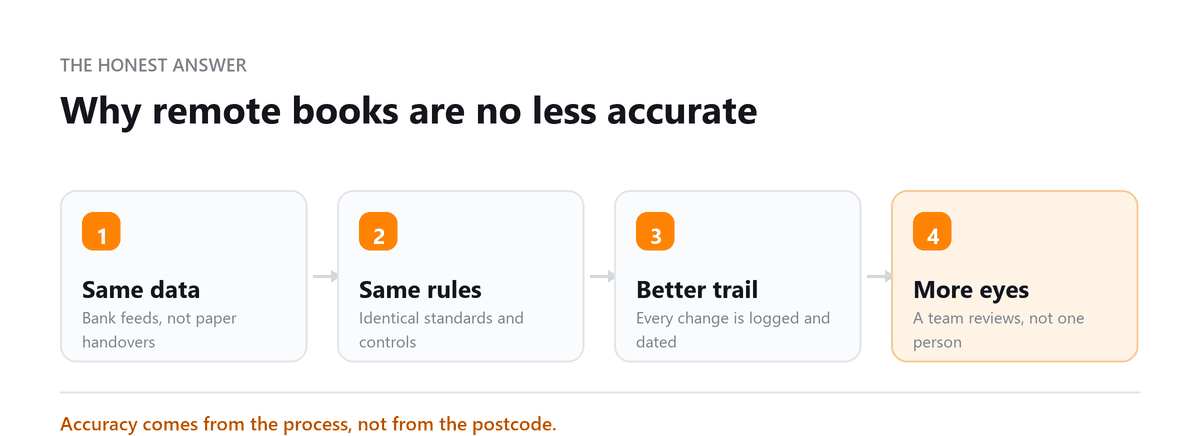
Is Remote Bookkeeping as Accurate as In-Person?
Yes, in many cases more so. Cloud accounting platforms apply automated reconciliation, bank-feed matching, and error flagging that reduce the manual errors common in spreadsheet-based or paper-based systems. A remote bookkeeper using modern software often produces more accurate records faster than someone working in your office with legacy tools.
Key Benefits of Remote Bookkeeping
- Cost savings: No office space, hardware, or employer overhead. You pay for the service only.
- Scalability: Adjust your level of service as your business grows, without hiring or letting go of staff.
- Access to better talent: Geography is no longer a constraint, you can work with the most qualified bookkeeper for your needs, not just the nearest one.
- Real-time visibility: Cloud platforms give you access to your own financial data at any time, not just when a report is emailed to you.
- Enhanced security: Enterprise-grade encryption and role-based access controls on cloud platforms often exceed the security of an in-office setup.
Benefits Specifically for Small Businesses
- Free up your time: Focus on growing the business while your books are handled by a professional.
- Better financial clarity: Regular structured reports mean you always know exactly where your money is.
- Fewer errors: Automated reconciliation and stricter controls reduce the manual mistakes that accumulate in self-managed books.
- Smoother tax season: Accurate, current records make tax preparation straightforward and significantly reduce CPA fees.
What Remote Bookkeeping Services Typically Include
- Basic bookkeeping: Transaction recording, bank reconciliation, payroll, financial reporting
- Tax preparation support: Organised records ready for your CPA or tax advisor
- Accounts payable and receivable management: Invoice handling, payment processing, collections
- Budgeting and forecasting: Cash flow projections and financial performance tracking
- Advisory services: Financial consulting on profitability, systems, and business growth
What to Check Before Hiring a Remote Bookkeeper
- Qualifications: Certified Bookkeeper (CB) designation or equivalent experience
- Software proficiency: Certified or highly experienced in the platform you use
- Security protocols: Understand how they protect your data, encryption, two-factor authentication, access controls
- Communication style: Are they proactive? Do they explain things clearly? Response time?
- Pricing: Clear, written scope with defined deliverables and turnaround times
We at Profitjets have delivered around 500+ businesses across the US through virtual CFO services. Being geographically close initially mattered to build trust but these days the quality and flexibility of our services do all the communication. Having a structured, well-organized protocol is what signifies when engaging our client. The pattern we have seen with most of our clients is an increase in visibility after shifting to the virtual model because all the information here is organized and accessible in the repository.
The success of remote bookkeeping ultimately comes down to systems and accountability. When supported by the right technology and experienced professionals, remote bookkeeping can provide the same level of accuracy and oversight as an in-house team while offering greater scalability and efficiency.
Book a free consultation and we will show you how the handover works.
Frequently Asked Questions
Can bookkeeping really be done remotely?
Yes. Modern cloud accounting software makes remote bookkeeping fully viable for businesses of all sizes. Your bookkeeper accesses your accounts securely online, records transactions, reconciles statements, and delivers reports, all without needing to be physically present.
Is remote bookkeeping safe?
Yes, when done with a reputable provider. Cloud accounting platforms use bank-level encryption, two-factor authentication, and role-based access controls. You grant your bookkeeper limited access to your accounting software, they do not need your bank login or sensitive personal credentials.
What software is used for remote bookkeeping?
The most common platforms are QuickBooks Online, Xero, and FreshBooks. Most professional remote bookkeepers are certified on at least one major platform. If you already use a specific tool, confirm your bookkeeper is experienced with it before engaging.
How much does remote bookkeeping cost?
Virtual bookkeeping services typically start from $150 to $500 per month for small businesses. More complex businesses may pay $500 to $2,000 per month. This is generally cheaper than a part-time in-house hire once you factor in employment costs, benefits, and overhead.
How do I communicate with a remote bookkeeper?
Most remote bookkeepers use a combination of email, video calls (Zoom, Google Meet), and project management or messaging tools. A good remote bookkeeper will establish a clear communication routine from the start, typically a monthly review call plus email for ad-hoc queries.
Conclusion
Remote bookkeeping is not a compromise, it is a deliberate upgrade for businesses that want professional-quality financial records without the overhead of a full-time hire. The technology works, the security is robust, and the access to talent is better than ever. The key is choosing the right provider, defining the scope clearly, and establishing a communication routine that keeps you informed without consuming your time.

Written by
Ankit Sarawagi, CPA, CA, MBA
Ankit leads the finance team at Profitjets, where he has worked with 500+ businesses across the US on bookkeeping, tax and CFO-level strategy. He writes about the habits that keep small business books accurate all year. Connect on LinkedIn
Free consultation
Ready to Try It Remotely?
Book a free consultation and we will show you how the handover works.