
Accounting software that lives on a server rather than on one computer changed who can see the numbers and how quickly.
The gain is not really the software. It is that the bank feed, the bookkeeper and the owner are all looking at the same data on the same day, instead of at a file that was emailed somewhere last week.
This covers what cloud accounting means in practice, the benefits that actually materialise, the main platforms, and how to migrate without losing anything.
Cloud accounting replaces locally installed software and paper-based ledgers with a web-based platform that stores your financial data online. Your bookkeeper, accountant, and you all see the same real-time numbers, from any device, anywhere.
What Is Cloud Accounting?
Cloud accounting is SaaS-based financial software that stores data on remote servers rather than a local computer. Instead of emailing spreadsheets back and forth or mailing a box of receipts to your accountant every quarter, everyone works from the same live data source. Updates sync instantly. No version conflicts. No lost files.
Migrate at a period end and run both systems for one full month. The overlap feels wasteful and it is the only way to find what did not come across while you still have somewhere to check it against.
Ankit Sagatani, MBA, B.Com · LinkedInKey Benefits of Cloud Accounting
Real-Time Collaboration
Your bookkeeper can enter transactions at the same time your accountant runs reports and you review the dashboard. No waiting for files, no emailing back updated versions. Everyone is always looking at the same numbers.
Automatic Backups
Desktop software requires manual backups. Cloud platforms back up your data continuously to multiple servers. If your laptop is stolen or dies, your financial data is safe.
Mobile Access
Send an invoice from your phone on the way to a client meeting. Check cash position on a weekend. Approve a vendor payment from an airport. Cloud accounting makes your books accessible whenever you need them.
Bank Feed Automation
Connect your bank and credit card accounts and transactions flow in automatically each day. Rules-based categorization handles the repetitive entries. Your bookkeeper focuses on exceptions and reconciliation rather than manual data entry.
Integrations
Cloud accounting platforms connect to payroll (Gusto, ADP), payments (Stripe, Square, PayPal), e-commerce (Shopify, Amazon), CRM (Salesforce), and hundreds of other tools. Data flows automatically instead of being re-entered.
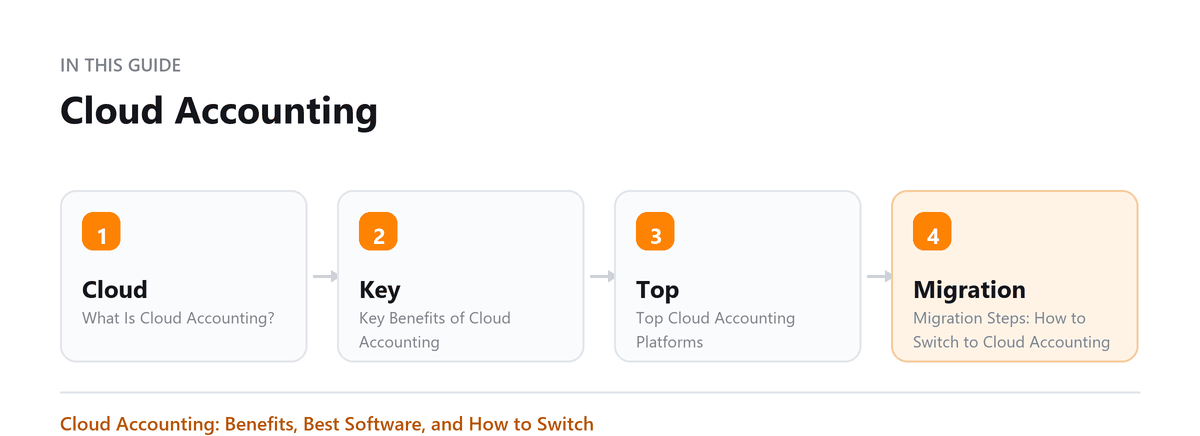
Top Cloud Accounting Platforms
| Platform | Best For |
|---|---|
| QuickBooks Online | Most US small businesses; largest accountant network |
| Xero | International operations; unlimited users; strong API |
| FreshBooks | Service businesses; excellent invoicing and time tracking |
| Wave | Freelancers and very small businesses; core features free |
Migration Steps: How to Switch to Cloud Accounting
- Choose your platform and plan based on transaction volume and feature needs
- Set a clean start date, beginning of a fiscal year or quarter is ideal
- Set up your chart of accounts to match your business structure
- Connect bank and credit card feeds
- Import or manually enter your opening balances from your old system
- Migrate historical data if needed (or keep old records in read-only mode)
- Train anyone who will use the system: bookkeeper, office manager, accountant
- Run parallel for one month if switching mid-year, then cut over
Pro Tip: Hire a certified ProAdvisor (QuickBooks) or Xero Partner to set up your chart of accounts correctly. Getting the structure right at the start saves significant rework later.
Book a free consultation and we will bring them current.
Frequently Asked Questions
Is cloud accounting secure?
Major cloud accounting platforms use bank-level encryption (256-bit SSL), multi-factor authentication, and regular third-party security audits. They are generally more secure than local desktop software on an unprotected laptop.
What happens if I lose internet access?
Most cloud platforms have limited offline functionality or a local app. For critical operations, use your mobile data as a backup. Full offline capability is the main limitation versus desktop software.
Can I migrate from desktop QuickBooks to QuickBooks Online?
Yes. Intuit provides a migration tool. However, some features work differently online versus desktop. Review the feature comparison before migrating, especially for complex inventory or job costing setups.
What should we check before committing to a platform?
Whether it will still fit in two years, and whether you can leave. The questions worth asking are what your data export looks like, whether it includes the underlying transactions or only reports, whether the tools you already depend on connect to it, and what happens to your access if you stop paying. A platform that suits you today and holds your data hostage tomorrow is a worse deal than a slightly less comfortable one you can walk away from.
Who should be able to see what, once everything is online?
Fewer people than the default settings assume. Cloud platforms make access easy to grant and easy to forget, so the practical risk is not an intrusion but an accumulation of logins for people who left, contractors who finished and advisers you no longer use. Review the user list on a schedule, give each person the narrowest role that lets them work, and remove access on the day somebody leaves rather than when you remember.

Written by
Ankit Sagatani, MBA, B.Com
Ankit works with business owners across the US on industry-specific bookkeeping, from real estate to construction and retail. He writes about what each trade's books actually need. Connect on LinkedIn Connect on LinkedIn
Free consultation
Books Behind?
Book a free consultation and we will bring them current.